The best AI for data is one you can work with
Count's AI agents work with you in the canvas to

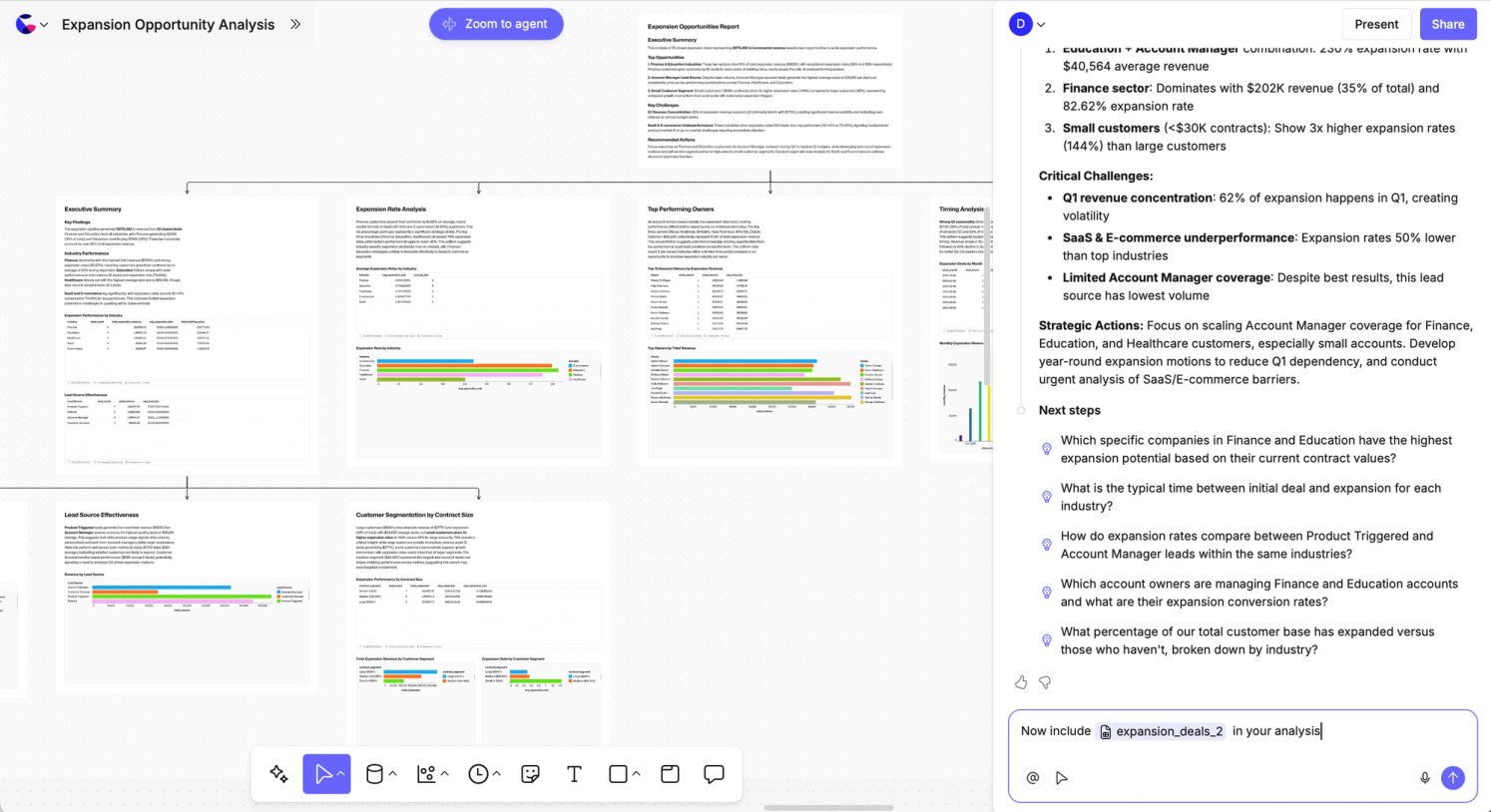
Putting the AI in team.
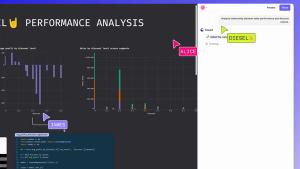
Everyone working in the canvas can leverage their own agents as force multipliers. Spin off sub-analyses or chase down theories, while also writing your own SQL and Python alongside. All in one single collaborative space.
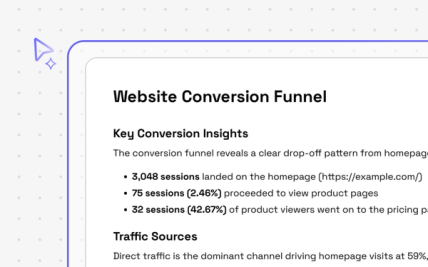
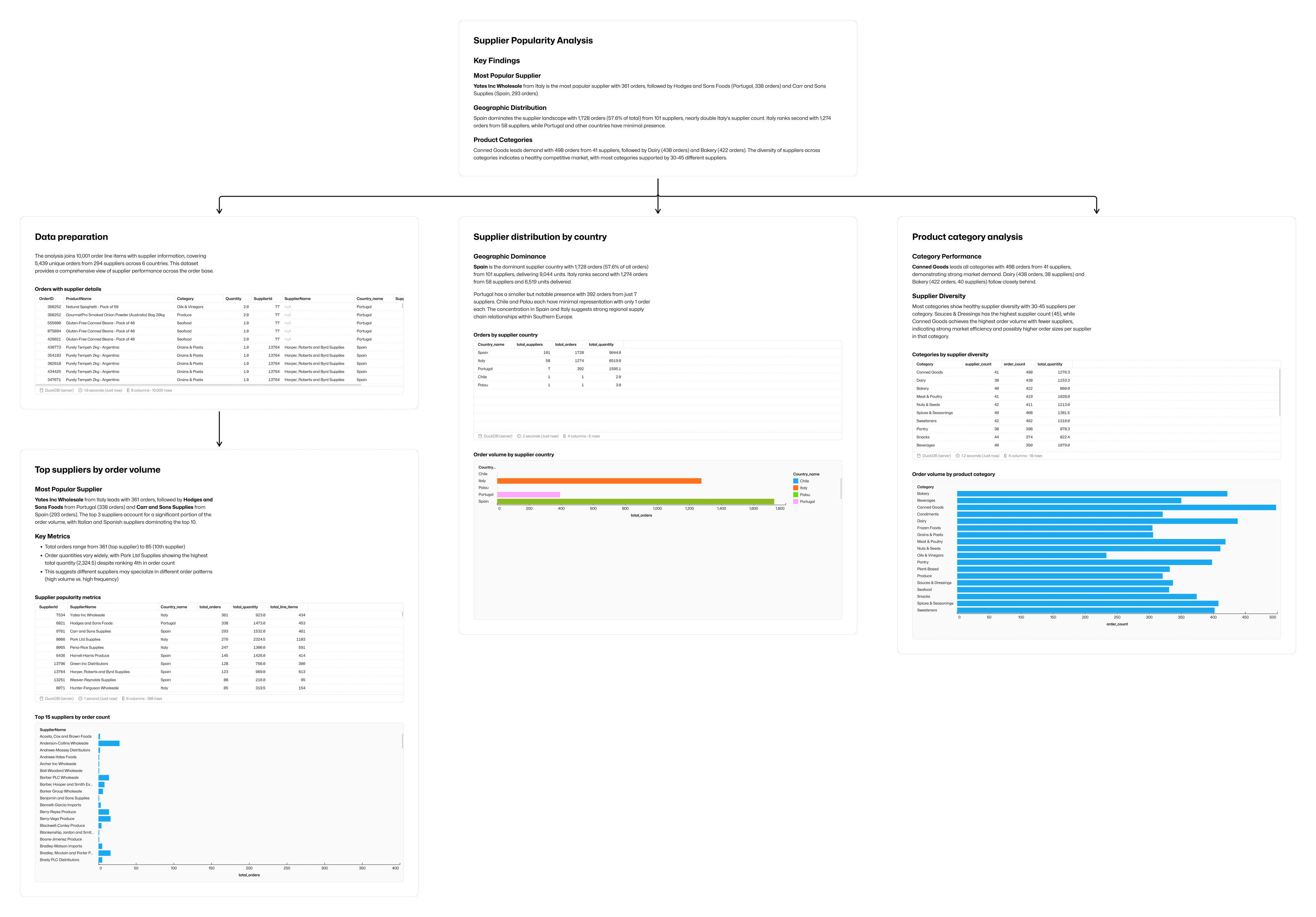
Space to go deeper and wider
The agent works in Count's canvas, letting it layout its analysis and findings in the most logical and understandable way. It defaults to working in a hierarchical way, breaking down answers into easily followable metric maps.
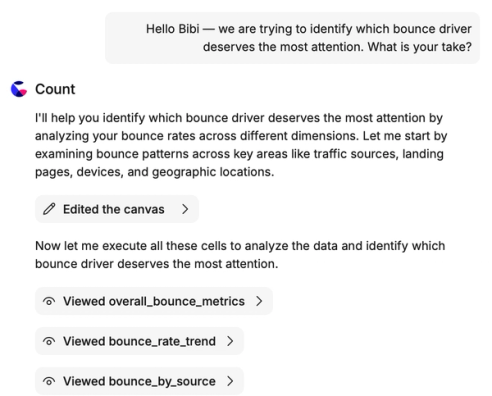
AI that shows its working
Unlike most AI you've used, Count doesn't hide away its thinking. Every agent's conversation persists and is visible to all, and every cell it creates is, well, just another cell in the canvas. You can view, audit, approve, and even edit SQL, or change no-code visuals and tables.
The ultimate context engine
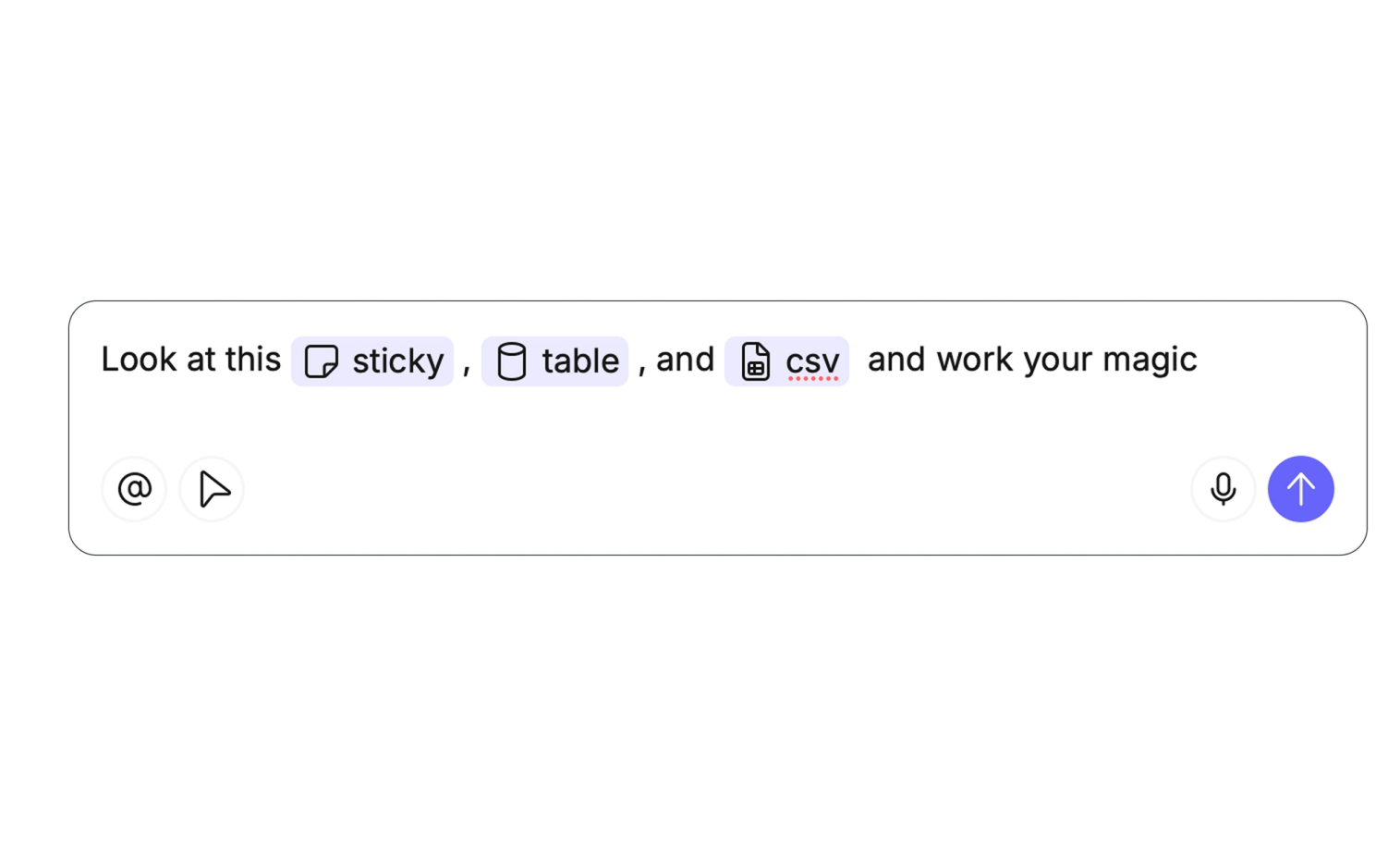
Select exactly the data you want the agent to work with; you can even give it stickies and other canvas elements to quickly go from planning to action. The agent can't make arbitrary queries against data without you knowing, so you stay in control.
The fastest rails from AI to BI
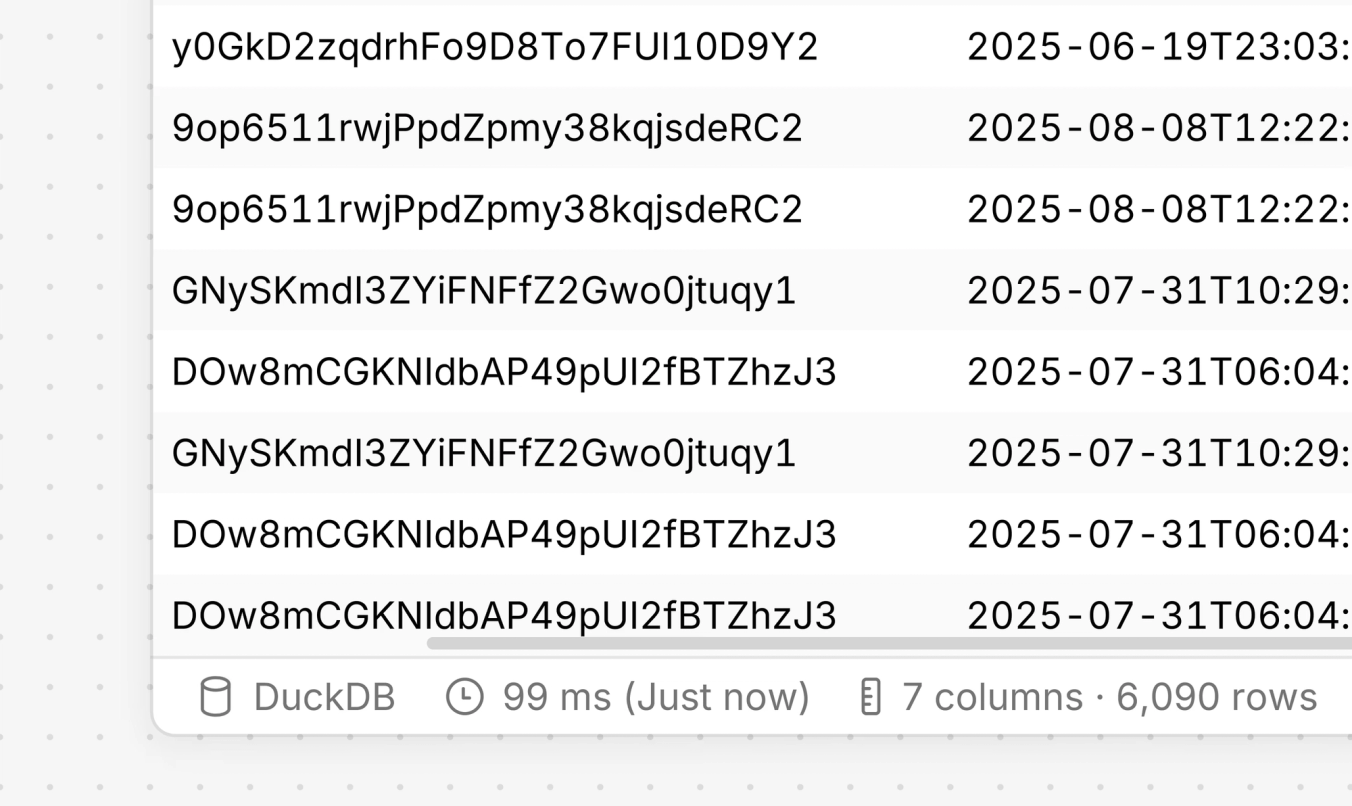
Count's computation layer gives the agent a lightning-quick, DuckDB playground to work with letting it handle large amounts of data and complex aggregations. Count Metrics catalogs let you pass business context alongside data and ensure that your entire team is working in a cached environment.
Scroll back through any agent's history and step back through it's work with full version history

Take the agent's work forwards in whatever direction you need.

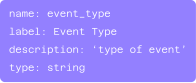
Enrich your Count Metrics catalog with descriptions to help robot and human analysts work quicker
When the agent trips up, it goes back and revises its own work. Watch it solve it's own SQL errors.

Related Resources
Frequently Asked Questions
Any Explorer or Analyst in a workspace where the AI has been enabled by an Admin. Collaborators and Viewers have read-only access to the agent and it's output.
All queries and lineage are visible. You can click on any visualization to see underlying calculations and SQL. Everything the AI creates are standard Count objects that can be edited and verified.
We are currently including the agent under "fair-usage" in all Count account tiers for the near term. We will be releasing pricing information shortly but expect for every customer to be able to benefit from this new functionality.
Your data is not used for training external AI models. Data is only sent when the user interacts with the AI agent in the visible chat interface. No scheduled or background processing with AI occurs without user action.
The agent can work with any data source within the current canvas. For instance, database cells that have been executed (it cannot run its own arbitrary queries against your database connections), CSVs, or catalogs the user has access to. However, the agent can only access sources that you select for it.
Yes. It has access to the full range of Count's visualization functionality using custom visuals, marks, and styling.